
Creating a home office that is both cozy and productive can transform your work-from-home experience. When designed thoughtfully, your workspace not only supports your daily tasks but also feels inviting, reducing stress and enhancing focus. Whether you are setting up a new area or improving an existing one, these tips will help you create a balance between comfort and efficiency.
Choose the Right Location
Finding the ideal spot in your home is the first step. Ideally, select a quiet area with minimal distractions and enough natural light.
– Natural light supports better mood and alertness. If possible, place your desk near a window.
– Consider the noise level; avoid areas near busy rooms or household appliances.
– Make sure there is enough space for your desk, chair, and storage.
Invest in Comfortable and Functional Furniture
The furniture you choose directly impacts your comfort and productivity.
Desk
– Select a desk with enough surface area for your computer, documents, and any tools you need.
– Adjustable desks are a great option, allowing you to switch between sitting and standing.
Chair
– Choose an ergonomic chair offering good lumbar support.
– Adjustable height and armrests help you maintain healthy posture.
Optimize Lighting
Good lighting reduces eye strain and keeps you alert.
– Use task lighting such as a desk lamp with adjustable brightness.
– Avoid glare on your screen by positioning your monitor perpendicular to windows.
– Use soft, warm general lighting to keep the room inviting.
Organize for Efficiency
A clutter-free environment enhances focus and productivity.
– Use shelves, filing cabinets, or desk organizers to keep supplies tidy.
– Keep only necessary items on your desk.
– Regularly declutter to maintain a clean workspace.
Personalize Your Space
Adding personal touches can make your home office feel inviting.
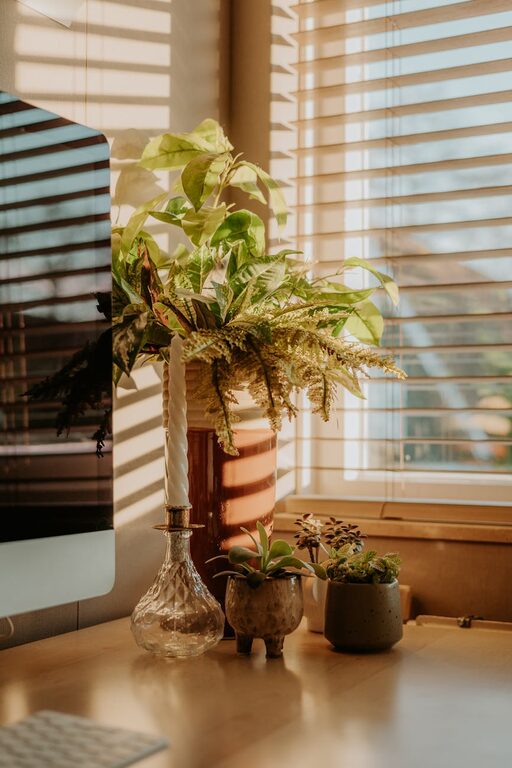
– Incorporate plants to improve air quality and bring nature indoors.
– Use artwork or photos that inspire and motivate.
– Choose colors and decorations that make you feel comfortable and energized.
Manage Cables and Technology
A neat setup prevents distractions and accidents.
– Use cable organizers or clips to keep cords under control.
– Ensure your technology is reliable—with good internet, a quality headset, and necessary accessories.
– Regularly update software to avoid technical issues.
Create Boundaries
Establishing clear boundaries helps you maintain work-life balance.
– Set specific work hours and communicate them with those in your household.
– Use a room divider or screen if your workspace shares a room.
– Develop routines to signal the start and end of your workday.
Incorporate Break Areas
Don’t sit all day; having a small space for short breaks can refresh your mind.
– Place a comfy chair or cushion nearby for stretching or reading.
– Use this space for quick relaxation away from your desk.
Enhance Air Quality and Comfort
A comfortable atmosphere supports long hours of work.
– Ventilate the room regularly for fresh air.
– Adjust the temperature to your preference with fans or heaters.
– Consider a humidifier or air purifier if needed.
Use Sound to Your Advantage
Noise can either distract or help focus.
– Use noise-cancelling headphones if your environment is noisy.
– Alternatively, play soft background music or ambient sounds to boost concentration.
Final Thoughts
Designing a home office that is cozy and productive doesn’t require major renovations. Thoughtful choices in location, lighting, furniture, and organization can significantly improve your work experience. Focus on comfort, reduce distractions, and make the space your own to create an environment where you can thrive professionally and personally.